1. Create your account
To begin, please click 'Login' on the top-right of this page.
(You may wish to open a seperate tab to do this so you can continue to refer to this guide)
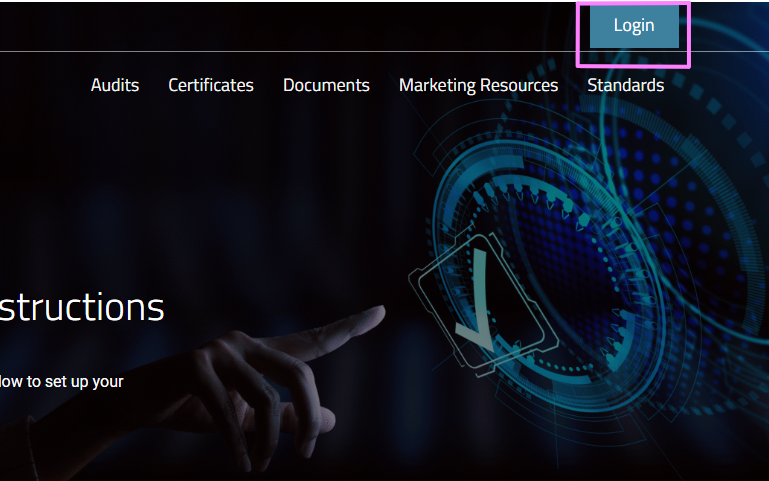
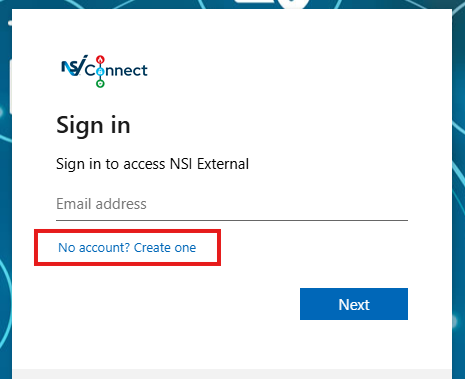
When you reach the login page, click 'No account? Create one' to create your secure account and password.
2. Set your login details
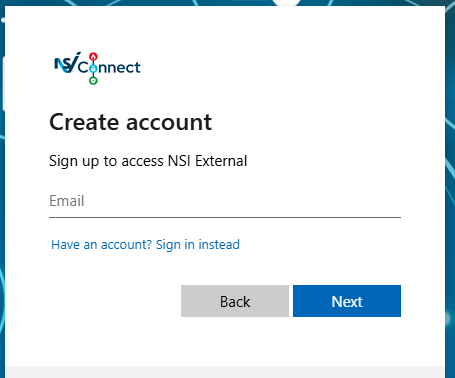
Use the email address you have registered with NSI.
For security and functionality, you must use a personal, direct email address. Shared or generic inboxes (such as “info@”) are not supported. If your NSI account is currently linked to a shared email address, please contact us to update it.
3. Choose your password
Once you’ve done that:
- Enter the one-time code sent to your email address
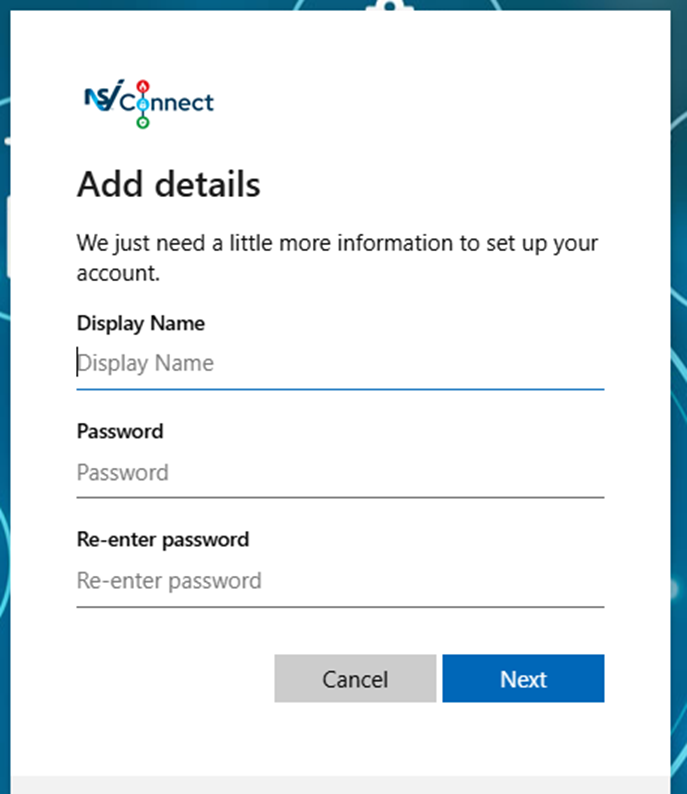
- Create a display name (this can be your preferred name)
- Choose and confirm your password
You will then be logged in.
Please note that full access to all features will be available the following day.
What happens next?
Once you’ve completed the setup, your account will automatically synchronise overnight. When you log in to members.nsi.org.uk the following day, enter your email and the password you set up. For an added layer of protection, you will receive a one-time password via email to verify your identity each time you log in.
We apologise for the initial delay and the inconvenience that has been caused but we are confident that the enhanced features and streamlined experience of NSI Connect will be a positive set forward.
Questions?
If you have any questions, please contact our Operations team who’ll be happy to help: customersupport@nsi.org.uk